You just built something. In ten minutes, maybe less. You described what you wanted, an AI tool generated it, you tweaked a few things, and now there’s a working website on your screen.
The build part is solved. Bolt.new, Lovable, Cursor, and V0 have collapsed the gap between idea and working prototype from weeks to minutes. That’s real, and it’s remarkable.
But then you hit “export” or “download.” The question nobody prepared you for is simple: where do I put this?
Google it, and you’ll find guides that say “deploy to Vercel” or “push to Netlify.” Stack Overflow answers recommending serverless setups. YouTube tutorials configuring CI/CD pipelines. For a site you built in a chat window.
There’s a mismatch here. The tools that made building effortless are funneling you toward hosting that’s anything but. Before choosing a host, ask: what did my AI tool actually give me?
What your AI tool actually exports
I looked at seven popular AI coding platforms. Here’s what they actually produce, based on what lands on your disk when you export.
The static majority:
Bolt.new generates React + Vite projects. Run npm run build, and you get a dist/ folder. Inside: HTML, CSS, JavaScript. Plain static files. No server required.
Lovable is the same story. React + Vite + Tailwind. Same npm run build, same dist/ folder, same static output.
ChatGPT Canvas is even simpler. It exports plain HTML, CSS, and JavaScript. There’s no build step at all. Save the files, upload them. Done.
Cursor and Windsurf generate whatever you ask for, but the default for most people is a Vite project: React, Vue, or Svelte. Same pattern: build it, get static files.
Replit depends on your template, but frontend-only projects follow standard framework conventions. Build output is static.
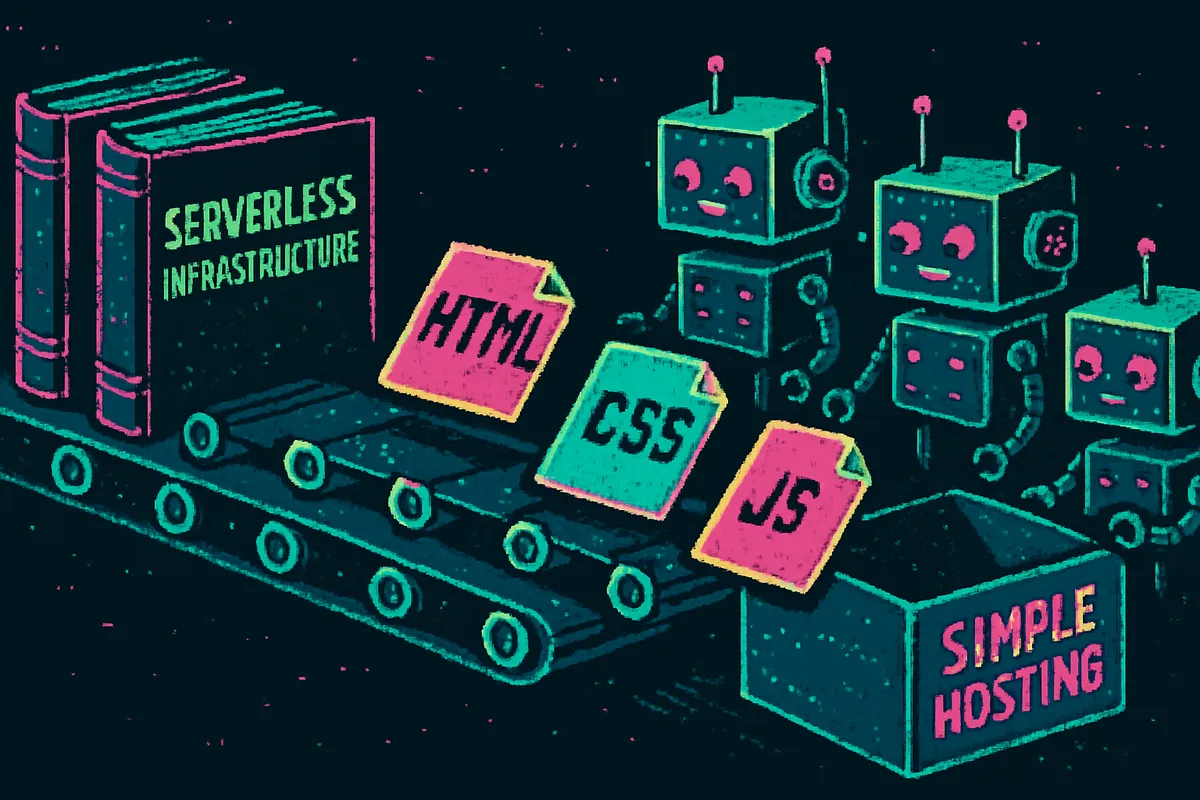
This is the key insight most hosting guides miss: the vast majority of vibe-coded projects are React + Vite SPAs. After you run the build command, they’re just HTML, CSS, and JavaScript sitting in a folder. They don’t need a server. They don’t need serverless functions. They don’t need edge compute. They need a place to put files.
The exceptions, where you genuinely need more:
V0 defaults to Next.js. That means server-side rendering, API routes, and a Node.js runtime requirement. Unless you manually add output: 'export' to next.config.js, your project needs a platform that runs server code. V0 won’t configure static export for you, so it naturally pushes you toward Vercel.
Firebase Studio similarly defaults to Next.js via its AI agent. It steers you toward Firebase hosting with server-side capabilities, even when your app is entirely client-rendered.
Any project where you added a backend: Express routes, API endpoints, or server-side logic needs a runtime for that backend. But even then, the frontend is still static. The backend and frontend are separate concerns with separate hosting needs.
I want to be honest about this: if your project uses SSR or server API routes, static hosting won’t work. Use the right tool. But know the difference between “my project needs a server” and “the default framework configuration assumes a server.”
The Supabase confusion
This trips up a lot of people. Many Lovable and Bolt projects use Supabase for authentication, database, or storage. Developers see “Supabase” in their code and assume the frontend needs server-side hosting.
It doesn’t. Supabase is a hosted backend. Your frontend talks to it over HTTPS through API calls from the browser, the same as calling any external service. The Supabase client library runs entirely in the browser. Your frontend is still static files. Two separate things, two separate hosting decisions.
Same goes for Firebase Auth, Stripe, or any other third-party service your AI tool wired up. Client-side API calls don’t make your frontend a server application.
Why most guides get it wrong
Three things are happening at once, and they compound into bad advice:
Guides conflate “modern” with “serverless.” Vercel’s marketing has been incredibly effective at equating hosting with compute. “Deploy your frontend” really means “run your frontend on our server infrastructure.” For sites that need SSR, that’s genuinely valuable. For static files, it’s overhead you’re paying for but never using. Netlify does the same. Its platform has grown into a full application runtime, but guides still recommend it for projects that only need file hosting.
AI tools default to frameworks with server features. V0 defaults to Next.js. Firebase Studio defaults to Next.js. When your starting point is a server-rendered framework, every deployment guide assumes you need server infrastructure. But the apps people actually build with these tools, including landing pages, portfolios, dashboards, and prototypes, are client-side. The framework’s server features go unused.
The guides are written by the platforms. Vercel writes the “how to deploy your V0 project” guide. Netlify writes the “deploy from Replit” guide. Of course they recommend their own platform with their own infrastructure. It’s not malicious. It’s just marketing doing what marketing does. But it means there’s no neutral voice saying “actually, you just need to upload a folder.”
The result is a knowledge gap. Millions of people are building websites with AI tools, and the first thing they encounter after the build is a deployment guide that overshoots their needs by an order of magnitude. The hosting guide assumes infrastructure requirements that the actual project doesn’t have.
A platform-by-platform reality check
Here’s a quick reference. What each tool exports, and what it actually needs:
| Tool | Default output | Build step | Needs a server? |
|---|---|---|---|
| Bolt.new | React + Vite | npm run build → dist/ | No |
| Lovable | React + Vite + Tailwind | npm run build → dist/ | No |
| ChatGPT Canvas | Plain HTML/CSS/JS | None | No |
| Cursor / Windsurf | Varies (usually Vite) | npm run build → dist/ | No |
| Replit | Varies by template | Framework-dependent | Usually no |
| V0 | Next.js (SSR) | npm run build | Yes (unless static export configured) |
| Firebase Studio | Next.js (SSR) | npm run build | Yes (unless static export configured) |
Five out of seven produce static files by default. The two that don’t are the ones backed by companies selling server infrastructure.
What I did about it
This mismatch is part of why I built ZeroDeploy. I watched the vibe coding wave build and saw the same pattern repeating: powerful creation tools paired with unnecessarily complex deployment.
If your AI tool gave you a dist/ folder or plain HTML files, you shouldn’t need to configure a build pipeline, connect a Git repo, or understand what an edge function is. You should upload your files and get a URL.
That’s what ZeroDeploy does. Drag and drop a folder, or use the CLI if you prefer. Your site is live in seconds. Forms and analytics are built in because a Lovable project with a contact form shouldn’t require signing up for a separate form service.
No serverless runtime. No edge functions. No build pipeline you didn’t ask for. Just your files, on a CDN, with a URL.
The takeaway
If you’re reading this, you’ve probably already built something with an AI tool. Or you’re about to. The build experience is going to feel like magic.
The hosting decision doesn’t have to feel like the opposite.
Look at what your tool actually exported. If it’s a dist/ folder full of HTML, CSS, and JavaScript, or plain HTML files with no build step at all, you don’t need infrastructure. You don’t need serverless. You don’t need a platform built for full-stack applications.
You need a place to put files. That’s a solved problem. Don’t let anyone make it complicated again.